
Live! Menu App
WAVER OS includes a QR menu solution designed for restaurants, cafes, and businesses seeking to digitize their offerings. With an intuitive web interface, it enables the quick creation and management of fully branded digital menus.
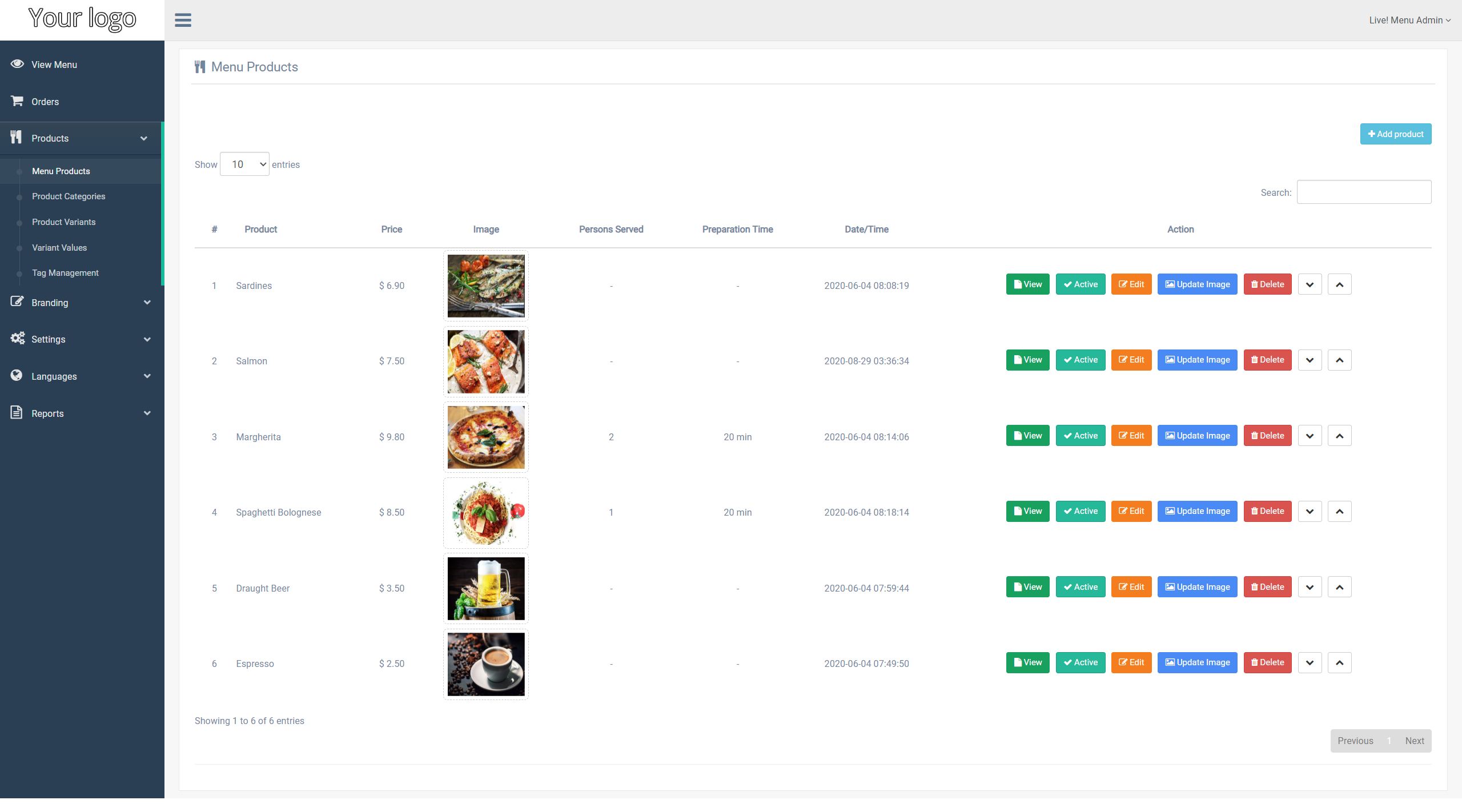
Overview
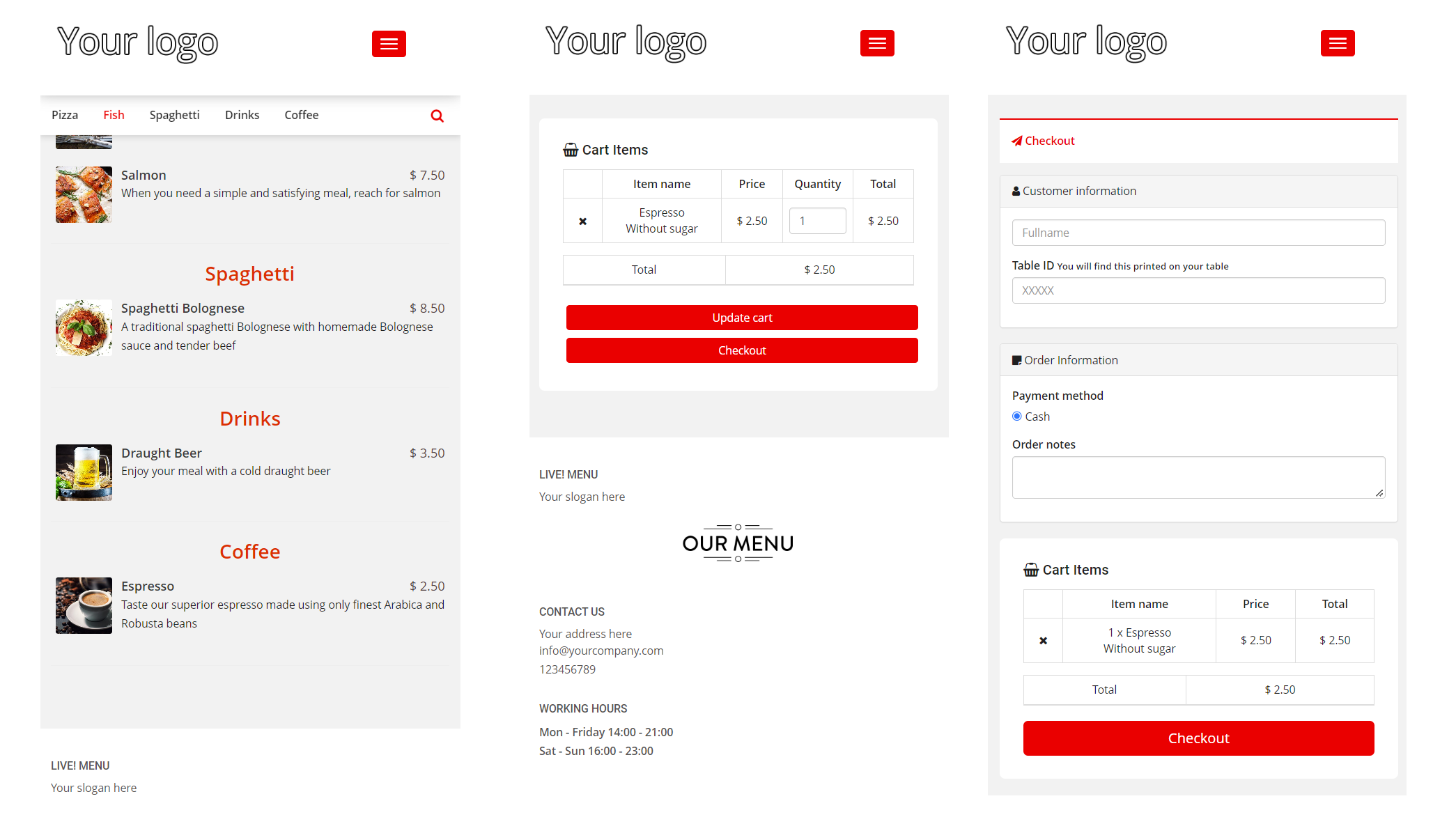
Live! Menu Pages
- Opens the digital menu as guests see it.
2. Orders
- Manages incoming orders, including real-time order handling.
3. Products
4. Branding
5. Settings
- Checkout Options: Configures the checkout process (Cash, Stripe, PayPal).
- Global Settings: Manages global settings for the menu system, including backup and restore files.
6. Languages
- Languages: Manages the languages available for translation.
- Translations: Manages translation texts for each language.
7. Reports
- Sales Report: Generates a report on total sales.
- Order Logs: Displays logs of orders placed by guests.
- Provider Logs: Displays logs of payment transactions (Stripe or PayPal).
- Reviews: Displays local product reviews, if enabled.
WAVER AI Assistant
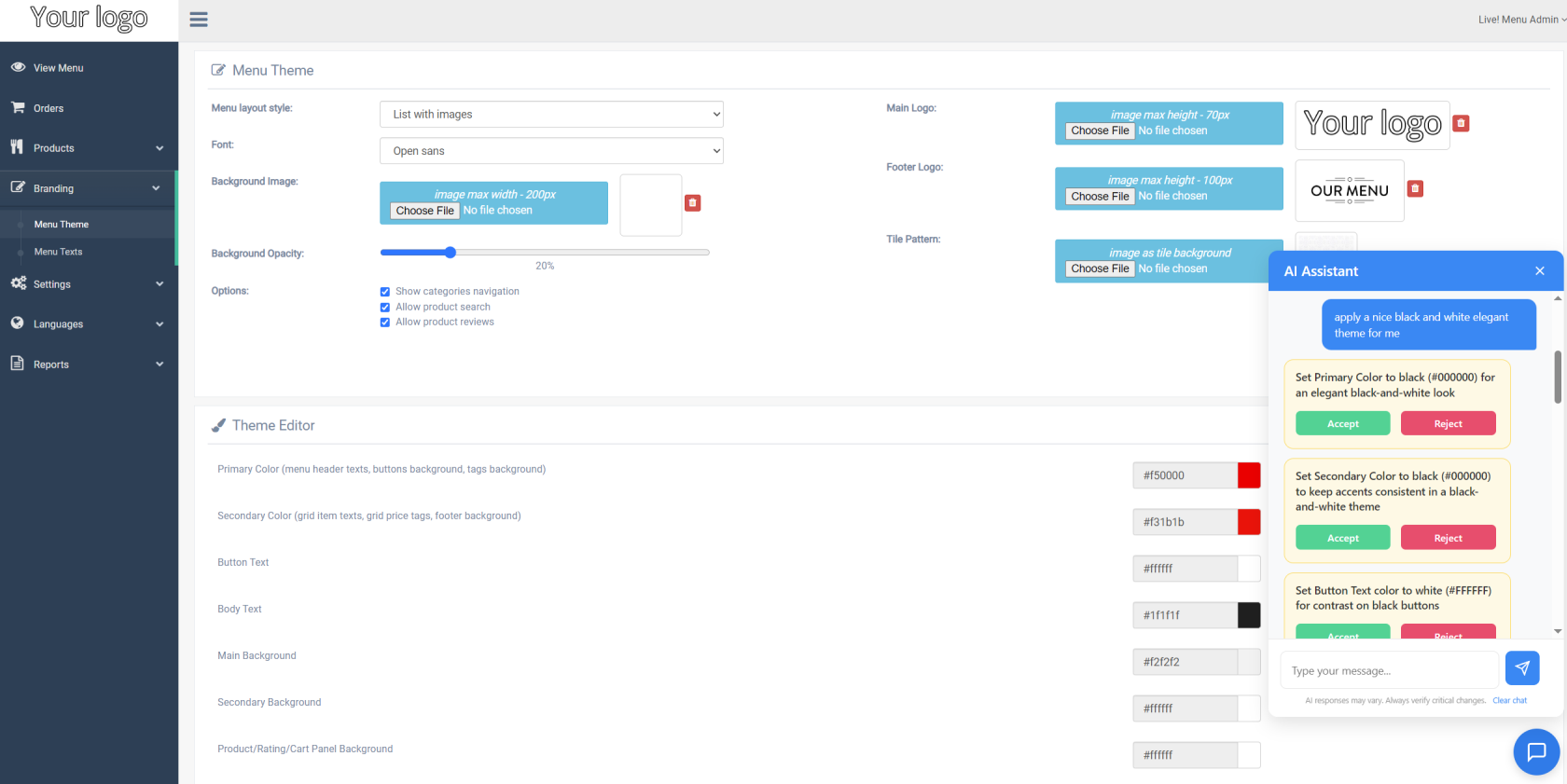
If enabled, the WAVER AI Assistant is available on every Live! Menu page via the chat button in the bottom corner. It can translate texts into the languages you have configured, write product names and descriptions, and fill in form fields for you, as well as explain what a page does and help you troubleshoot.
See WAVER AI Assistant for setup and availability.